
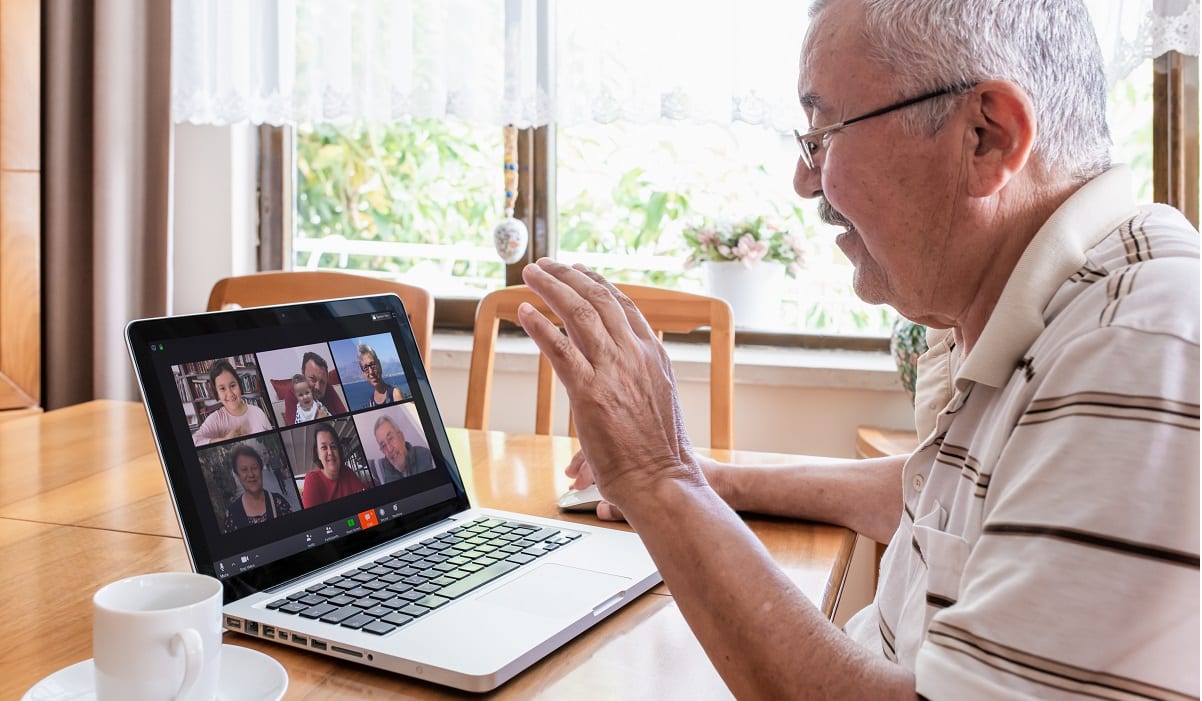
 Since we’re all stuck at home during the COVID-19 crisis, we’re doing a lot of video chatting, either one-on-one or in group meetings. You’ve probably noticed that some of the people you chat with come off looking better than others. How do they look so good when chatting online? Here are five tips that will make you look a lot better when you’re video chatting from your computer, phone, or tablet.
Minimize Distractions
When you’re video chatting it’s important to minimize distractions – both to you and to the people with whom you’re chatting. It’s best if you can do your video chatting is in a dedicated room without anything else going on. Set everything up in your private space and then close the door so no one will barge in on you.
This may be difficult in your home. If privacy isn’t possible, you can use headphones or earbuds to muffle any extraneous noise. Use the mute button in your chat program so that the people with whom you’re chatting won’t hear what’s going on the background when you’re not talking. You can also position yourself with your back to a wall so that anyone else sharing your room isn’t on camera.
By the way, if you have a pet you know it can play havoc with your video chats. While you can’t control when your dog decides to bark, you can put your pets in another room while you’re chatting – and make sure the door stays closed!
What are the best tools for video chats? See Michael Miller’s article, Choosing the Best Video Chat Platform
Change Your Background
Before you join your video chat, turn around and look behind you. Are you sitting in front of a plain wall, a group of family pictures, or a cluttered bookshelf? Are you positioned in front of a doorway to another room in your home, or an open window? Or, heaven forbid, is the camera pointing past you to the open door of your bathroom?
People watching you in a video chat see not only you but everything that’s behind you. The wrong background can be distracting and it can also paint the wrong picture of who you are. So consider your background before you start chatting – and rearrange things if necessary.
If you want to appear professional, sit in a place where the background reflects that. Maybe you want to position yourself in front of a bookcase – but if so, make sure you have the right books in camera view. Hide the controversial stuff.
If you want to project a fun image, then put something fun behind you. If you want to show off your home, sit so that there’s a full view of the living room behind you.
If you’re chatting via Zoom, you can take advantage of that service’s virtual backgrounds. Zoom can replace your physical background and digitally place you in front of just about any image you choose, from a fancy boardroom to a sunny tropical beach.
If you’re using Zoom on a computer, click the up arrow next to the Stop Video button then select Choose Virtual Background. If you’re using Zoom on your phone or tablet, tap the More button then tap Virtual Background. You can choose from one of Zoom’s default backgrounds or select any image stored on your device for a background. You can even search the web for zoom backgrounds – there are tons of fun ones available!
Improve Your Lighting
You can’t look good onscreen if the lighting in your room is poor. Let’s face it; no one can see your beautiful face if you’re sitting in the dark.
If your face looks dark or grainy in a video chat, you need to shine more light on your face. In many cases, the easiest way to do this is to open the curtains on a nearby window. (This won’t work at night, of course.) You can also try turning on all your room lights. If you’re at a desk, turn on your desk lamp and point it towards your face.
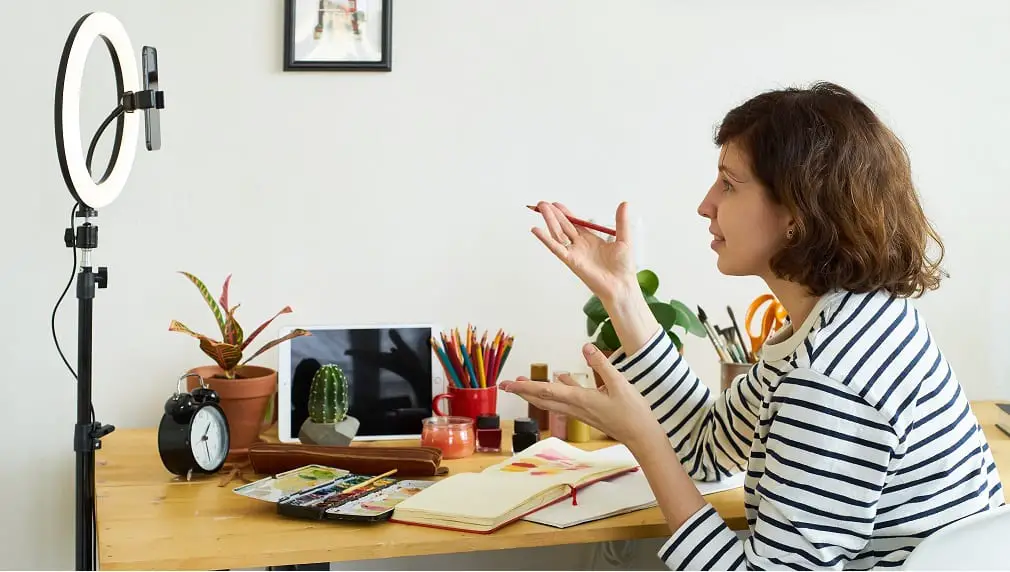
If none of these options work, you can invest in an external LED light. There are two types of LED lights – light panels and ring lights. A light panel is literally a small panel of LEDs, no bigger than a smartphone. A ring light is a circle of LED lights, in the middle of which can fit a smartphone. Light panels sell for between $50 and $100; ring lights are a little less expensive, between $20 and $60. Some come with their own stands, others attach to the top of your laptop or computer monitor. You can find both types of lights at Amazon or other online stores, or at your local photography store.
Whatever you do, make sure the added lighting is either in front of you or at about a 45-degree angle to your face. You want to avoid having a bright light source behind you. This results in backlighting that can overwhelm the light in front of you and put your face further in the dark. So if you’re sitting in front of an open window, close the blinds or move!
Move Your Camera or Device
When video chatting, too many people look down at their devices or cameras. You can tell because you get a good view of their ceilings – and up their noses.
If you don’t want people looking up your nose, you need to get your laptop computer, phone, or tablet off your lap. You want the camera in your device to be at your eye level, which means raising it up higher than you might be used to.
One way to raise your device is to sit it on a stack of books or something similar. Another approach is to purchase a stand or tripod for your device. (Just search Amazon for laptop stand or phone tripod.) It will make a big difference.
Look at the Camera!
When you’re chatting on your computer or other device, it’s tempting to look at your thumbnail onscreen. Don’t. When you’re looking at yourself onscreen it’s obvious to others that you’re not looking at the camera. It looks as if you’re not paying attention. Locate your device’s camera (on many devices there’s a small LED light next to the camera) and look directly at it. It may be difficult at first, but don’t look at the screen – look at the camera instead.
Check Your Appearance
Finally, before you start a video chat, you might look at yourself as others will see you. The simplest thing way to do this is just start the camera on your device. On a smartphone, click on the camera app. On a Windows laptop, search for Camera and start the camera app.
Also, if you use Zoom, you can test your video before a meeting. Visit Join a Test Meeting to view your video and also test your audio. If you’re not happy with your appearance, go through the five tips above.
